Change the dates of the course
How to change the opening and closing date of the program ?
On your program, you have the possibility to modify the dates of a course already published.
Where are the dates of the course?
On the administrator side, in your program, the dates are in the menu:
- Setup
- Course
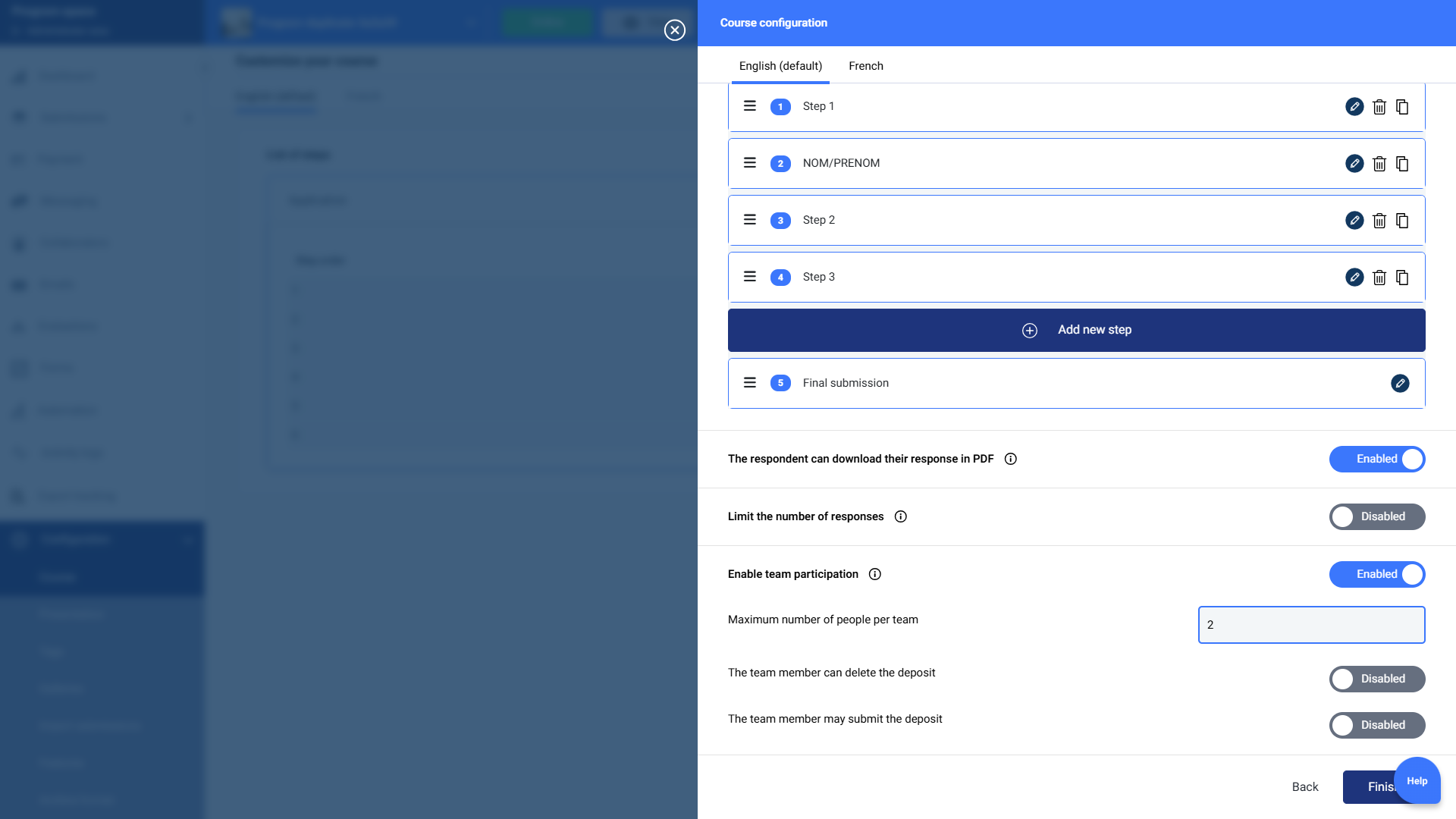
- Click on the pencil, to access the course setup.
Setup or modification of the course dates
The button "Setup a start and end date", allows you to choose for your course :
- A start date
- An end date
- Once the modification is done, you must save your settings by clicking on "Finish".
- Saving this setup, automatically changes the date on the candidate interface.